Getting back into building software has reminded me how easily an evening can disappear into a project.
You start with an idea. AI helps you get something working. You try it, spot something that could be better, and ask for another change.
Then another.
Before you know it, you’ve got multiple sessions running, you’re testing changes, and you’re burning through AI credits like there’s no tomorrow.
It turns out it’s not only your wallet that pays the price. Your battery does too.
This is a proper first world problem. But it’s become a surprisingly noticeable part of my journey back into development.
My laptops normally last quite well
For everyday work, I don’t have much to complain about.
ARM-based Macs and Snapdragon-powered Windows devices have made working away from a charger much more practical. I can get almost a full day out of my four-year-old Mac, and well over four hours from my Surface devices.
That’s with my usual mixture of emails, documents, browsing and meetings. I can move around, work somewhere different and get on with things without constantly checking the battery percentage.
Basic vibe coding was fine too.
A prompt here, a few changes there, a quick look at what had been generated. At that stage, battery life wasn’t something I gave much thought to.
But as the projects grew, so did the amount I was doing at once.
Then I started properly testing things
There’s a difference between asking AI to create something and spending time making sure it actually works.
Now I’m running the application, testing changes, checking the browser, watching terminal output and asking why something that worked five minutes ago has stopped working.
Sometimes I have multiple sessions going. One is working through a change while I’m reviewing something else, or trying another approach to a problem.
VS Code is open. GitHub Copilot is busy. There are browser tabs, local processes and tests running.
That’s when the battery starts dropping. On both my Mac and my Windows devices, it drops quickly enough for me to notice.
The AI models aren’t all running locally on my laptop, but the development environment around them still has work to do. And in my experience, that whole workflow is much harder on the battery than my normal working day.
I haven’t run a controlled battery benchmark. This is the much less scientific observation that I keep reaching for a charger sooner than I expected.
Usually just as I’m getting somewhere.
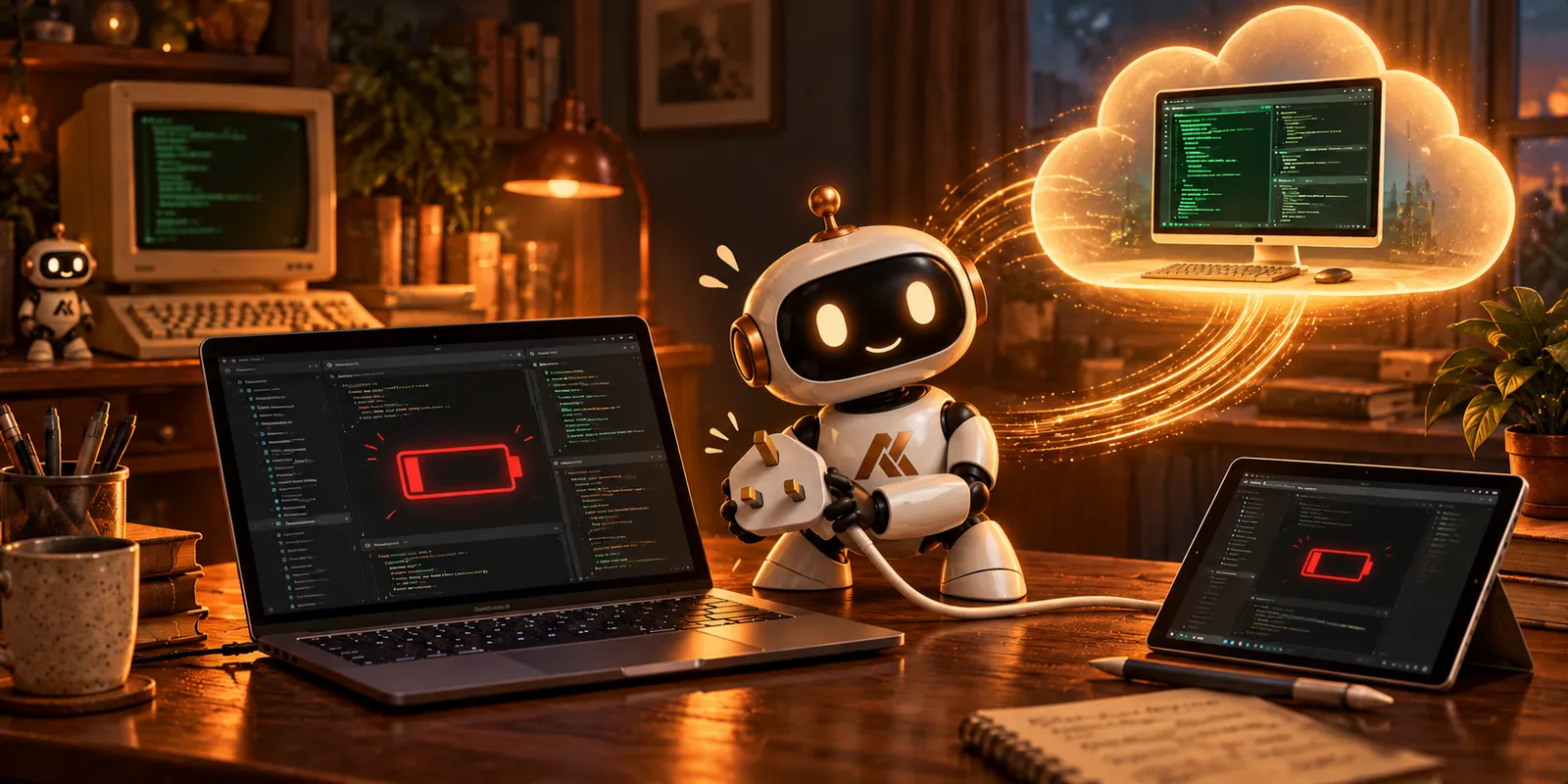
My Windows 365 Cloud PC comes in handy
This is where my Windows 365 Cloud PC has become useful.
I connect to it and run my development environment there. VS Code, my project files, terminals and the application I’m working on are all in the same place.
I can connect from a device in the office, carry on building, and then reconnect from home to pick up where I left off.
That continuity matters more than I expected.
When you’re learning as you go, there’s already enough to keep in your head. What was I testing? Which change fixed that issue? What did I ask the agent to do next?
Having the same environment waiting for me makes it easier to get back into the work.
My laptop still needs power to display the remote session and maintain the connection. But with the development workload running on the Cloud PC, I’ve found it much easier on the battery.
The device in front of me becomes my way into the workspace, while the workspace itself stays in one place.
Can I close the lid yet?
The other benefit is something anyone who has watched an AI coding session work through a task might recognise.
You submit a prompt. It starts inspecting files, making changes or running tests.
Then you realise you need to leave.
Can you close the lid? Will that interrupt the work? Should you wait until it finishes?
And how long is “until it finishes” going to be?
I’ve found myself hanging around for another few minutes because something was still processing. Then it needs another step, or another test, and suddenly I’m still there.
Running the development session on my Cloud PC takes away much of that uncertainty.
Closing my laptop disconnects me from the remote session; it doesn’t put the Cloud PC to sleep with it. Provided the session isn’t ended by a policy, restart or other interruption, the work can continue while I’m away.
When I reconnect, I can see where it’s got to.
Sometimes it’s finished. Sometimes there’s an error to investigate. Sometimes it’s waiting for me to answer a question.
But I don’t need to keep my laptop open just to keep that development environment running.
That’s a small practical benefit, but one I’ve come to appreciate.
Another lesson from building again
Earlier in this series, I wrote about how a simple idea starts gathering requirements. An app needs to send an email. Then perhaps other people could use it. Each step brings something else to think about.
This is a smaller lesson from the same journey: the way I work needs to evolve alongside what I’m building.
A few prompts and a quick prototype were easy enough to fit around everything else. Longer development sessions, more testing and several things running at once made me think more carefully about where that work should happen.
For me, the Cloud PC has made it easier to move between devices and locations without losing momentum. It has also reduced the battery anxiety that appeared once I started getting carried away.
It hasn’t solved my habit of asking for “just one more change”, and it certainly hasn’t stopped me using my AI credits.
But at least now, my laptop battery has a better chance of lasting until I’m finished.
Even if I’m still working out when “finished” actually is.
Comments
No comments yet — be the first to leave one below.