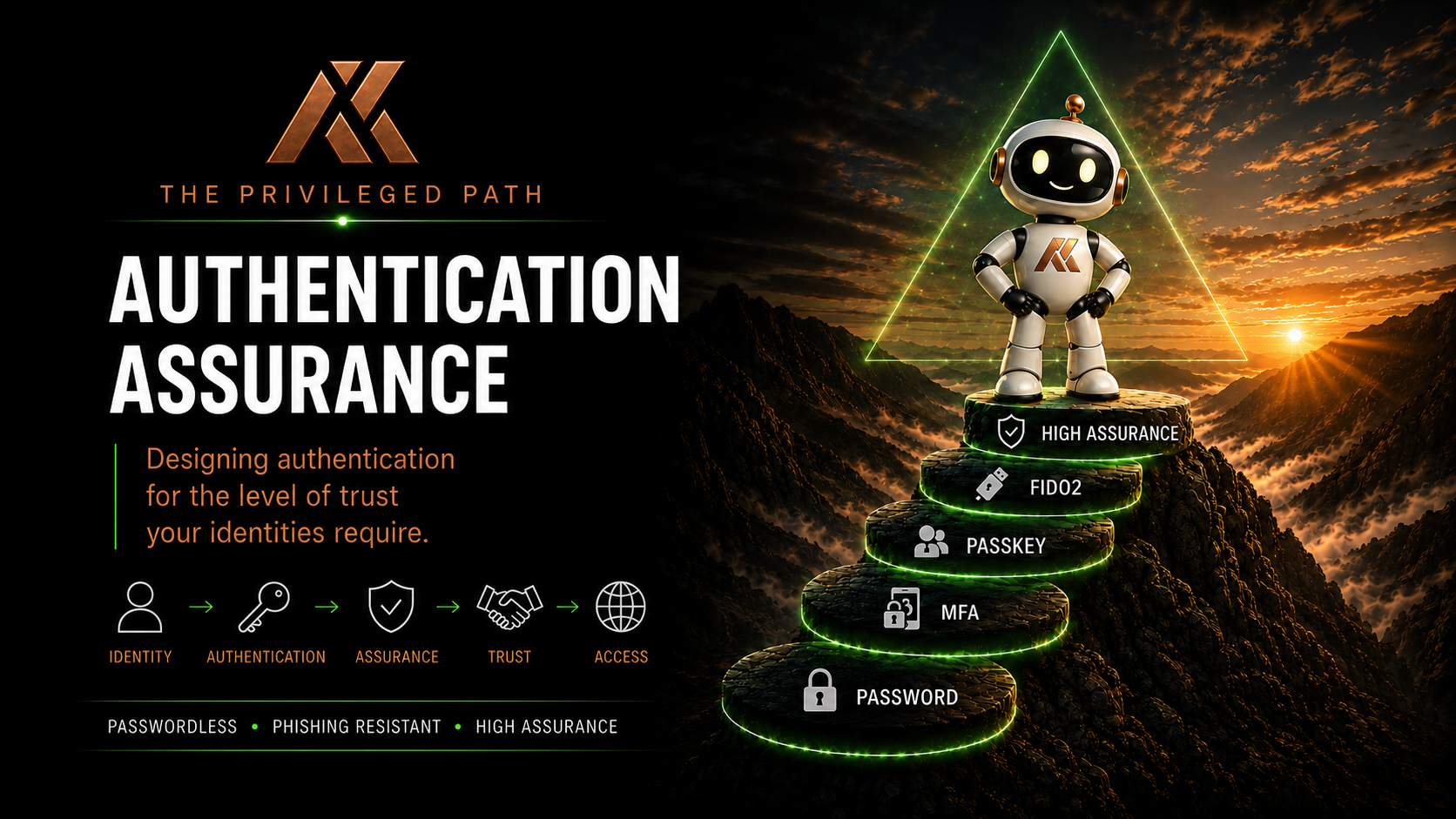
Understanding Modern Passkeys
Passkeys are rapidly becoming the future of authentication.
Microsoft, Apple, Google and many other technology providers are investing heavily in passwordless authentication, with passkeys now supported across a growing number of applications and services.
Yet despite their growing adoption, passkeys are often misunderstood.
Many people think a passkey is simply a replacement for a password.
Others assume all passkeys work in exactly the same way.
Neither is true.
Understanding what a passkey is, how it works and the different types available is essential before deciding how they should be used within your organisation.
What is a Passkey?
A passkey is a cryptographic credential that allows a user to authenticate without using a password.
Unlike traditional passwords, passkeys aren’t secrets that users create and remember.
Instead, they’re generated using public key cryptography.
When a passkey is created, two keys are generated.
A private key remains securely stored on the user’s authenticator.
A public key is registered with the service the user is signing in to.
When authentication occurs, the service challenges the authenticator, which proves possession of the private key without ever revealing it.
The private key never leaves the authenticator.
This significantly reduces the risk of credential theft.
Why are Passkeys More Secure?
Traditional passwords can be:
- Guessed
- Reused
- Stolen
- Phished
- Shared
Passkeys eliminate many of these risks.
Because the private key never leaves the authenticator, there is no password for an attacker to steal or replay.
Authentication is also bound to the website or service requesting it, making passkeys resistant to traditional phishing attacks.
For users, they’re often simpler too.
Authentication becomes as easy as using Windows Hello, Face ID, Touch ID or a security key.
Different Types of Passkeys
Although the user experience often looks similar, not all passkeys are created in the same way.
Understanding these differences is important because they influence both usability and operational assurance.
Platform Passkeys
Platform passkeys are created and stored on a device’s built-in authenticator.
Examples include:
- Windows Hello
- Apple Face ID or Touch ID
- Android device authenticators
These provide an excellent user experience and are protected by the security features of the operating system.
Roaming Passkeys
Roaming passkeys are stored on external authenticators.
The most common example is a FIDO2 Security Key.
These can be carried between devices and provide a consistent authentication experience across multiple computers.
For many privileged identities, they also provide a very high level of assurance.
Synced Passkeys
Some platforms allow passkeys to be securely synchronised across multiple trusted devices.
Examples include:
- Apple Passwords
- Google Password Manager
- Third-party password managers that support passkeys
This makes passkeys incredibly convenient for everyday users.
A passkey created on one device can be used from another without requiring the user to register multiple authenticators.
Device-bound Passkeys
Some implementations create passkeys that remain associated with a specific device rather than synchronising across multiple devices.
Microsoft Authenticator passkeys are an example of this approach.
These offer an excellent balance between usability and operational control, particularly within managed enterprise environments.
A Better User Experience
One of the biggest advantages of passkeys is their simplicity.
Users no longer need to remember complex passwords.
There are no password reset requests.
No password expiry reminders.
No reused credentials.
Authentication becomes faster, simpler and significantly more secure.
That’s why passkeys are increasingly being adopted as the preferred authentication method for modern identity platforms.
Understanding the Trade-offs
At this stage it’s tempting to ask:
Which passkey is best?
The answer isn’t straightforward.
Each type has advantages.
Each introduces different operational considerations.
For many organisations, the correct choice depends entirely on the identity being protected.
That’s why it’s important to understand the different options before deciding which should be used.
Key Takeaways
Passkeys represent one of the most significant improvements in authentication for many years.
They replace passwords with cryptographic credentials that are both easier for users and significantly more resistant to modern attacks.
However, understanding the different types of passkeys is just as important as understanding the technology itself.
Although they all provide phishing-resistant authentication, they aren’t operationally identical.
Those differences become particularly important when protecting privileged identities.
What’s Next?
Now that we’ve explored how passkeys work and the different types available, it’s time to look at one of the biggest misconceptions surrounding modern authentication.
Not all passkeys provide the same level of operational assurance.
In the next article we’ll explore why that matters, and why choosing the right passkey often depends on the level of trust placed in the identity using it.
Comments
No comments yet — be the first to leave one below.