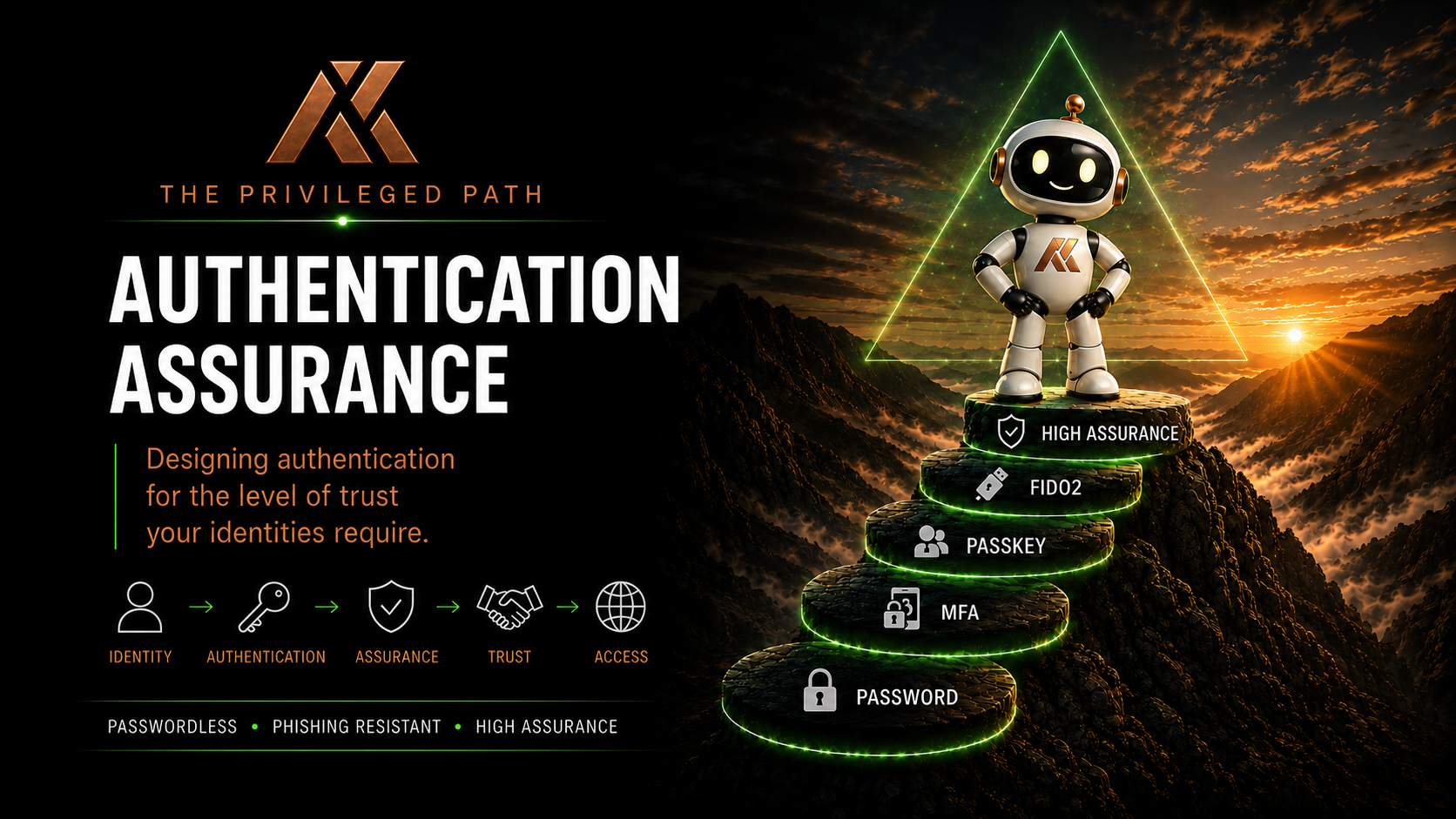
Authentication Strengths in Microsoft Entra
In the previous article, we took the Trust Level model and applied it to authentication.
We established that different identities require different levels of authentication assurance.
For example:
- TL1 identities may require a dedicated FIDO2 security key
- TL2 identities may use a dedicated FIDO2 key or an approved device-bound passkey
- TL3 identities may use device-bound phishing-resistant authentication
- TL4 identities may have access to a broader range of modern authentication methods
That’s useful from an architectural perspective.
But architecture on paper doesn’t protect anything.
We now need a way to enforce those decisions.
This is where Authentication Strengths in Microsoft Entra become extremely important.
Requiring MFA Isn’t the Same as Requiring the Right MFA
For years, one of the most common Conditional Access controls has been:
Require multifactor authentication.
That’s considerably better than relying on passwords alone.
But there’s a problem.
MFA describes an authentication requirement.
It doesn’t necessarily describe the level of assurance we want from that authentication.
If I’m protecting a Global Administrator, simply knowing that the user completed MFA isn’t enough for the architecture we’ve been building throughout this series.
I want to know:
How did they authenticate?
Did they use SMS?
Microsoft Authenticator push?
Windows Hello for Business?
A passkey?
A dedicated FIDO2 security key?
These authentication methods don’t necessarily provide the same level of assurance for every scenario.
This is the gap Authentication Strengths help us address.
What Is an Authentication Strength?
Authentication Strength is a Conditional Access control within Microsoft Entra.
Rather than simply requiring MFA, it allows us to define which combinations of authentication methods are acceptable for accessing a resource.
That changes the question from:
Did this user perform MFA?
to:
Did this user authenticate using a method that provides the level of assurance required for this access?
That’s a subtle but extremely important difference.
Authentication Strengths allow us to begin translating Authentication Assurance from an architectural principle into an enforceable technical control.
The Built-in Authentication Strengths
Microsoft Entra provides three built-in Authentication Strengths:
- Multifactor authentication
- Passwordless MFA
- Phishing-resistant MFA
Each represents a different set of acceptable authentication methods.
Multifactor Authentication
The Multifactor authentication strength allows authentication combinations that satisfy Microsoft’s MFA requirements.
This provides broad compatibility and can be appropriate for many general-purpose scenarios.
But it’s deliberately broad.
If our objective is specifically to require phishing-resistant authentication for a privileged identity, this isn’t sufficiently restrictive.
Passwordless MFA
Passwordless MFA narrows the available authentication methods to those capable of providing passwordless multifactor authentication.
This improves both security and user experience by moving away from passwords entirely.
But again, our Authentication Assurance model may require greater specificity.
Phishing-resistant MFA
The built-in Phishing-resistant MFA strength is particularly interesting for privileged access.
It allows authentication methods Microsoft considers phishing-resistant, including methods such as:
- Passkeys (FIDO2)
- Windows Hello for Business
- Certificate-based authentication where configured appropriately
For many organisations, requiring the built-in phishing-resistant Authentication Strength for privileged administrators would already represent a significant improvement.
But for the Trust Level model we’ve been building, we may want to go further.
Phishing Resistant Doesn’t Automatically Mean TL1
This distinction is important.
Imagine we’ve configured a Conditional Access policy for our TL1 administrators and selected:
Require authentication strength: Phishing-resistant MFA
We’ve now prevented weaker authentication methods from satisfying the access requirement.
Excellent.
But remember what we established earlier in this series.
Our TL1 requirement isn’t simply:
Use something phishing resistant.
Our requirement is closer to:
Use the specifically approved high-assurance authentication method we’ve selected for this privileged identity.
Those aren’t necessarily the same thing.
A platform credential may be phishing resistant.
A passkey may be phishing resistant.
A FIDO2 security key may be phishing resistant.
But our operational architecture may deliberately require a dedicated hardware authenticator for TL1.
This is where custom Authentication Strengths become valuable.
Custom Authentication Strengths
Microsoft Entra allows organisations to create their own Authentication Strengths.
Instead of accepting Microsoft’s complete set of methods within a built-in strength, we can define the combinations we’re prepared to accept.
Conceptually, we might create strengths such as:
- AS-TL1-Strategic-Control
- AS-TL2-Service-Administration
- AS-TL3-Operational-Administration
- AS-TL4-Workforce
The exact naming convention isn’t important.
The principle is.
Each Authentication Strength represents the authentication methods we’ve determined are appropriate for that Trust Level.
That gives us a direct relationship between:
Trust Level → Authentication Assurance → Authentication Strength → Conditional Access
Now our architecture is becoming enforceable.
A Conceptual Trust Level Model
A simplified implementation might look something like this:
| Trust Level | Authentication Strength | Example Requirement |
|---|---|---|
| TL1 – Strategic Control | Custom TL1 strength | Approved FIDO2 security keys |
| TL2 – Service Administration | Custom TL2 strength | FIDO2 and approved device-bound passkeys |
| TL3 – Operational Administration | Custom TL3 strength | Approved phishing-resistant methods |
| TL4 – Workforce | Broader passwordless/phishing-resistant strength | Organisation-approved modern authentication methods |
This isn’t a Microsoft recommendation.
It’s an example of how the Trust Level architecture we’ve been discussing throughout this series could be translated into Microsoft Entra controls.
Your implementation will depend on your organisation.
Going Further With FIDO2
Custom Authentication Strengths become particularly interesting when we start looking at FIDO2 authenticators.
Microsoft Entra can apply additional restrictions to passkeys used within a custom Authentication Strength.
For example, authentication can be restricted using the authenticator’s Authenticator Attestation GUID (AAGUID).
An AAGUID identifies the authenticator model.
That means an organisation could decide that TL1 authentication must use an approved class of hardware security key rather than simply allowing any FIDO2 authenticator.
This gives us another layer of control.
Instead of:
TL1 must use phishing-resistant MFA
we can move towards:
TL1 must use an approved FIDO2 authenticator type.
For high-assurance privileged identities, that’s a meaningful distinction.
But AAGUID Isn’t Identity
There’s an important limitation to understand.
Restricting an Authentication Strength to an approved AAGUID tells us something about the type of authenticator being used.
It doesn’t automatically prove our entire operational model.
For example, suppose we approve a particular FIDO2 security key model for TL1.
Authentication Strength can help ensure an approved authenticator type is being used.
But our operational processes still need to answer questions such as:
- Was this key issued specifically for this administrator?
- Is it dedicated to the privileged identity?
- Has the key been registered against another account?
- How was the key initially issued?
- What happens if it’s lost?
- How is a replacement authorised?
- Do we maintain a backup authenticator?
- How is the authenticator revoked when the administrator leaves?
Authentication Strength doesn’t solve those problems.
And it shouldn’t.
Those are identity lifecycle and operational security problems.
This is why I’ve repeatedly made the distinction throughout this series:
Authentication technology and Authentication Assurance aren’t the same thing.
Technology gives us enforcement capabilities.
Our architecture and operational processes determine how much confidence we can place in them.
Authentication Strength and Conditional Access
Authentication Strengths become enforceable when they’re used with Conditional Access.
A Conditional Access policy can target an appropriate user, group, role or resource and require a particular Authentication Strength before access is granted.
Conceptually, a TL1 policy might look like:
IF
- User is a TL1 administrator
- Accessing protected administrative resources
THEN
- Require TL1 Authentication Strength
- Require an appropriately controlled device
- Apply any other required access controls
Authentication Strength is therefore one part of the Conditional Access decision.
That’s important.
We’re not replacing Conditional Access with Authentication Strengths.
We’re making Conditional Access more precise.
Authentication Strengths Don’t Replace Authentication Method Policies
There’s another distinction that’s easy to miss.
Microsoft Entra also has an Authentication Methods policy.
This controls which authentication methods users are enabled to use.
Authentication Strength controls which of those available methods can satisfy a particular access requirement.
Think of it like this:
Authentication Methods policy
What authentication methods is this user allowed to have and use?
Authentication Strength
Which authentication methods are acceptable for this particular access decision?
Conditional Access
Under what circumstances must this Authentication Strength be satisfied?
These controls complement each other.
They aren’t interchangeable.
Authentication Strength Is Contextual
This is one of the most useful characteristics of Authentication Strengths.
A user doesn’t necessarily need the same Authentication Strength for every resource they access.
For example, imagine a user has both a standard workforce identity and a separate privileged administrative identity.
Their standard identity may be allowed to use several organisation-approved passwordless methods.
Their privileged identity may have much stricter requirements.
Likewise, an organisation could require stronger authentication when accessing particularly sensitive applications or performing high-impact actions.
This allows Authentication Assurance to become contextual.
We’re no longer simply saying:
This user has MFA.
We’re saying:
For this identity, accessing this resource, under these conditions, this level of authentication assurance is required.
That’s a much more powerful security model.
Authentication Strengths and PIM
Authentication Strengths can also become particularly useful when combined with Privileged Identity Management.
Consider a TL1 administrator who normally has no active privileged role.
When they need to perform an administrative task, they activate the required role through PIM.
That privileged access architecture might include:
- Dedicated privileged identity
- Eligible role assignment
- PIM activation
- Justification
- Approval where appropriate
- Restricted activation duration
- High-assurance authentication
- Privileged Access Workstation
- Conditional Access
Now we’re layering controls.
No individual control is expected to solve the entire privileged access problem.
Instead, each control reduces a different part of the attack surface.
That’s what a mature privileged access architecture should look like.
Be Careful With Emergency Access
Emergency Access accounts require particular thought.
They’re TL1 identities because of the level of privilege they hold.
But their purpose is to provide access when normal administrative controls fail.
That creates an architectural tension.
If an Emergency Access account depends on exactly the same authentication infrastructure, Conditional Access policies and devices as every other TL1 administrator, it may fail at precisely the moment you need it.
That doesn’t mean Emergency Access accounts should use weak authentication.
Far from it.
They still require extremely strong protection.
But resilience and recoverability must be considered alongside Authentication Assurance.
High assurance without recoverability can become its own operational risk.
Don’t Deploy the Policy Before the Credential
There’s another extremely important operational consideration.
Imagine creating a Conditional Access policy that says:
TL1 administrators must use an approved FIDO2 security key.
Then imagine enabling it before those administrators have registered their security keys.
You’ve just created a very effective security control.
Unfortunately, you’ve also potentially locked your administrators out.
Authentication Assurance therefore requires a deployment lifecycle.
A simplified sequence might be:
- Identify the identities requiring stronger authentication.
- Enable the required authentication methods.
- Securely issue or bootstrap the authenticator.
- Register the authentication method.
- Validate successful authentication.
- Confirm recovery mechanisms.
- Deploy Conditional Access in Report-only mode.
- Validate expected policy behaviour.
- Enforce the Authentication Strength.
- Monitor and review.
The order matters.
And that leads directly into the next part of this series.
Authentication Strength Isn’t the Whole Architecture
Authentication Strengths are extremely powerful.
But they’re one layer.
They don’t replace:
- Privileged Access Workstations
- Privileged Identity Management
- Conditional Access architecture
- Device compliance
- Identity lifecycle management
- Authenticator lifecycle management
- Monitoring
- Recovery processes
- Administrative account separation
Authentication Strength answers a specific question:
Did the authentication method used satisfy the level of authentication we’ve defined for this access?
That’s incredibly useful.
But Authentication Assurance is the wider architecture that determines why that level is appropriate in the first place.
Bringing the Model Together
At this point, our architecture is beginning to connect.
We started with the identity:
What can this identity do?
That gave us the Trust Level:
TL1, TL2, TL3 or TL4
The Trust Level helped determine the Authentication Assurance requirement:
How much confidence do we need before trusting this identity?
That informed our Authentication Strength:
Which authentication methods are capable of providing that assurance?
And Conditional Access provides the enforcement:
Under what circumstances must that Authentication Strength be satisfied?
So the model becomes:
Identity → Trust Level → Authentication Assurance → Authentication Strength → Conditional Access
That’s a much more deliberate approach than simply enabling MFA and assuming the authentication problem is solved.
What’s Next?
We’ve now defined our authentication requirements and built a mechanism for enforcing them.
But we’ve created another problem.
If a new TL1 administrator must use a dedicated FIDO2 security key, how do they securely register that key before they have a high-assurance authentication method?
How do we bootstrap passwordless authentication without falling back to insecure temporary credentials?
And what happens when an administrator loses their authenticator and needs to recover?
In Part 7, we’ll look at Temporary Access Pass and Secure Onboarding.
We’ll explore how TAP can be used to bootstrap modern authentication, how privileged onboarding should differ from standard user onboarding, and why the process used to issue a high-assurance credential is just as important as the credential itself.
Comments
No comments yet — be the first to leave one below.