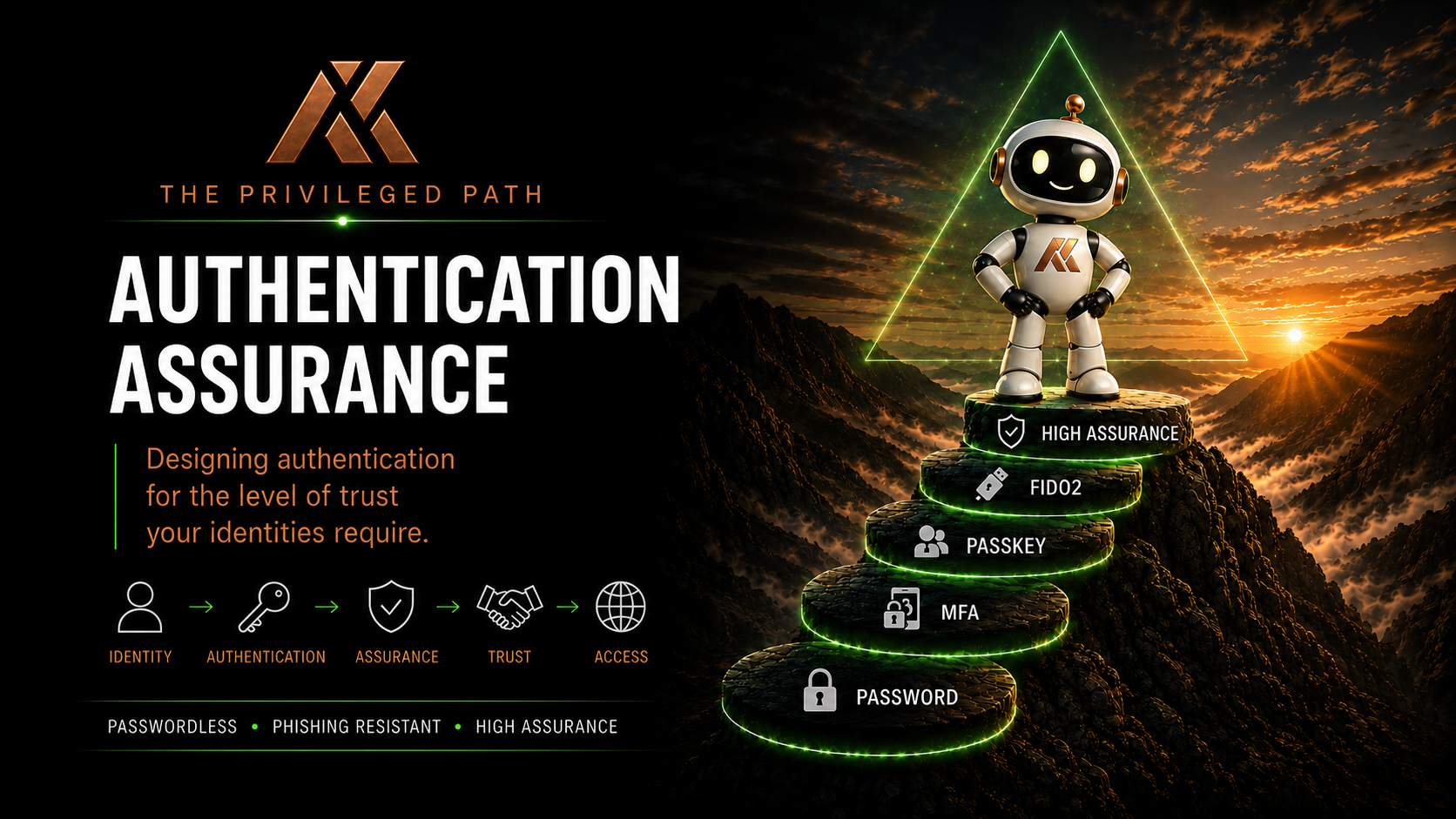
Building High-Assurance Administrative Accounts
Throughout this series, we’ve looked at Authentication Assurance from several different perspectives.
We’ve looked at passwords.
MFA.
Passkeys.
FIDO2 security keys.
Authentication Strengths.
Trust Levels.
Temporary Access Pass.
Bootstrap and recovery.
Each of those controls matters.
But none of them, individually, creates a high-assurance administrative identity.
A Global Administrator with a FIDO2 security key is better protected than one using SMS MFA.
But if that same administrator signs into their everyday laptop, browses the internet, reads email using the same identity and holds permanent Global Administrator privileges, the FIDO2 key hasn’t magically created a secure administrative architecture.
Authentication is only one part of the privileged path.
To build a genuinely high-assurance administrative account, we need to think about the entire journey between the administrator and the privileged resource.
That means bringing together everything we’ve discussed so far.
Identity → Authentication → Device → Privilege → Access → Monitoring → Recovery
This is where Authentication Assurance becomes Privileged Access Architecture.
What Do We Mean by High Assurance?
Before building anything, we need to define what we’re trying to achieve.
A high-assurance administrative identity should give us a high degree of confidence in several things.
Who is authenticating?
How did they authenticate?
What device are they using?
What privilege do they currently hold?
Why do they have that privilege?
What resource are they accessing?
Can we understand what they did?
And:
What happens if their authentication method is lost or compromised?
That’s much broader than MFA.
The authentication event is important, but it sits inside a larger trust decision.
Start With a Separate Administrative Identity
For privileged administration, I strongly favour dedicated administrative identities.
Your normal user account and your privileged administrative account serve different purposes.
They should therefore have different security characteristics.
A standard workforce identity might:
- Access email
- Browse the internet
- Use Teams
- Access SharePoint
- Open documents
- Use SaaS applications
- Perform everyday productivity tasks
A privileged administrative identity shouldn’t need to do most of those things.
Its purpose is administration.
That’s an important security boundary.
If I compromise a user’s everyday identity through phishing, malicious content or session theft, that compromise shouldn’t automatically give me an identity capable of administering the tenant.
Separating the identities forces the attacker to cross another boundary.
The Administrative Account Shouldn’t Be a Normal User Account
This sounds obvious, but it’s worth saying.
A privileged administrative identity doesn’t need:
- An Exchange Online mailbox
- Teams
- OneDrive
- General productivity applications
- Routine internet access
- Everyday SaaS applications
It needs what is necessary to administer the environment.
Nothing more.
Every additional service we expose to the administrative identity potentially creates another attack surface.
This is simply least privilege applied to the identity itself.
Don’t give an administrative identity productivity services it doesn’t need.
Apply the Trust Level
The next question is:
How much impact could this identity have if compromised?
This is where the Trust Level model becomes useful.
In From Tier 0 to Trust Levels: Rethinking Privileged Access for the Cloud Era, I introduced the idea of classifying identities based on the impact their compromise could have.
For example:
TL1 – Strategic Control
Global Administrator.
Privileged Role Administrator.
Emergency Access identities.
Other identities capable of controlling the identity or security plane.
TL2 – Service Administration
Exchange Administrator.
SharePoint Administrator.
Teams Administrator.
Other administrators controlling significant cloud services.
TL3 – Operational Administration
Helpdesk Administrator.
Password Administrator.
User Administrator where appropriately scoped.
Other operational roles.
TL4 – Workforce
Standard users without administrative privilege.
The Trust Level gives us the starting point for determining the controls we apply.
The greater the potential impact, the stronger the assurance we should require.
TL1 Should Have a Dedicated Authentication Boundary
This is where I take a fairly strong position.
For TL1 administrative identities, I want a dedicated FIDO2 security key.
Not simply phishing-resistant authentication.
Not simply “the administrator has a passkey”.
A dedicated physical authenticator associated with the privileged identity.
Why?
Because I want separation.
If the administrator uses the same passkey provider and the same credential ecosystem for their everyday identity and their Global Administrator identity, we’ve reduced some of the separation we’re trying to create.
A dedicated FIDO2 security key creates a deliberate operational boundary.
To perform TL1 administration:
I need my privileged identity.
I need my privileged device.
I need my privileged authenticator.
Those requirements reinforce each other.
This Isn’t Because Other Passkeys Are Insecure
This distinction matters.
I’m not arguing that Microsoft Authenticator passkeys or synced passkeys are inherently insecure.
They can provide excellent phishing-resistant authentication.
The issue is operational separation.
For TL1, I want authentication to be deliberate.
I don’t want the administrator accidentally selecting the same credential they use throughout their normal working day.
I want the act of authenticating as Global Administrator to feel different.
Insert the security key.
Touch the key.
Authenticate.
That physical action reinforces the security boundary.
What About TL2?
TL2 is where the architecture becomes more nuanced.
If budget and operational capability allow it, I’d still favour dedicated FIDO2 security keys for service administrators.
Exchange Administrator.
SharePoint Administrator.
Teams Administrator.
These identities can have significant organisational impact.
But organisations have constraints.
Cost matters.
Logistics matter.
Distributed teams matter.
Operational complexity matters.
For TL2, I can see a reasonable architecture using an approved device-bound passkey such as Microsoft Authenticator.
Would I prefer dedicated FIDO2 keys?
Yes.
Would I say every organisation that doesn’t provide them has failed its privileged access architecture?
No.
Authentication Assurance should be risk based and pragmatic.
The important thing is that we’ve consciously made the decision.
TL3 Can Be More Flexible
Operational administration introduces another balance.
Helpdesk administrators may need to authenticate frequently.
There may be many of them.
They may work across locations.
They may use managed mobile devices.
A device-bound Microsoft Authenticator passkey can provide a very strong authentication experience here without introducing the logistical overhead of issuing hardware keys to every operator.
Again:
Different Trust Level. Different assurance requirement.
We’re not lowering security arbitrarily.
We’re aligning the authentication method with the impact of the identity.
Enforce the Decision With Authentication Strengths
Issuing a FIDO2 key doesn’t mean the administrator will always use it.
If weaker authentication methods remain capable of satisfying Conditional Access, we’ve created an expensive security key that may sit unused in a drawer.
This is where Authentication Strengths become important.
For TL1, we can define an Authentication Strength that allows only the authentication methods we’ve approved for TL1 administration.
For TL2, we may allow a slightly broader set.
For TL3, broader again.
The model becomes:
Trust Level → Authentication Assurance → Authentication Strength
And Conditional Access provides the enforcement.
Microsoft documents Authentication Strengths and their use with Conditional Access in How Conditional Access Authentication Strengths work.
Authentication Should Be Deliberate
There’s a principle running through all of this:
Privileged authentication should be deliberate.
An administrator shouldn’t drift into a privileged session simply because they happened to be signed into the browser.
There should be a conscious transition.
Standard identity.
Standard working environment.
Then:
Privileged identity → Privileged authenticator → Privileged environment → Privileged role
That transition matters.
It creates both a technical and psychological boundary between normal work and administrative work.
The Device Matters Too
Strong authentication from an untrusted device is still an incomplete privileged access architecture.
Imagine we’ve done everything correctly with the identity.
Dedicated Global Administrator account.
Dedicated FIDO2 security key.
Phishing-resistant Authentication Strength.
PIM.
Then the administrator signs into the Microsoft Entra admin centre from the same laptop they use to:
- Browse the web
- Read email
- Download files
- Join Teams meetings
- Test applications
We’ve protected the authentication event.
But we’re still exposing the privileged session to a general-purpose endpoint.
That’s why high-assurance administrative accounts should be paired with an appropriate administrative environment.
For TL1, that may mean a dedicated physical Privileged Access Workstation.
In some organisations, a virtual PAW using Windows 365 or another virtualisation platform may provide an appropriate balance between assurance, cost and operational flexibility.
I’ve explored this in detail in my Privileged Access Workstations series.
The important principle is:
Strong identity assurance and strong device assurance should reinforce each other.
Conditional Access Joins the Layers Together
Conditional Access becomes the policy engine connecting these controls.
A conceptual TL1 Conditional Access architecture might require:
- TL1 administrative identity
- Approved Authentication Strength
- Approved administrative device
- Appropriate device state
- Restricted access conditions
- Blocked legacy authentication
- Appropriate session controls
Now possession of the password isn’t enough.
Possession of the FIDO2 key isn’t enough.
Possession of the PAW isn’t enough.
We require the combination.
That’s defence in depth.
Privilege Should Be Temporary
Authentication answers:
Who are you?
It shouldn’t automatically answer:
What can you do forever?
For privileged roles, I strongly favour eligible rather than permanently active assignments wherever operationally practical.
This is where Microsoft Entra Privileged Identity Management becomes another layer of the architecture.
An administrator might have:
Dedicated Admin Identity
but no currently active Global Administrator role.
When they need to perform a task, they activate the required role.
That activation might require:
- Authentication
- Justification
- Approval
- Ticket information
- Limited duration
The administrator gains privilege when they need it.
Then loses it again.
Microsoft documents role activation and configuration through Privileged Identity Management in Microsoft Entra ID.
Activate the Right Role
PIM doesn’t help much if every administrator activates Global Administrator for every task.
This is another operational behaviour that needs attention.
If I need to make an Exchange configuration change, I should activate the appropriate Exchange role.
Not Global Administrator because it’s easier.
Likewise, a SharePoint task shouldn’t automatically result in GA activation.
This is where monitoring becomes useful.
Over time, we can start asking:
Which roles are administrators activating?
Why are they activating them?
What did they actually do afterwards?
If an administrator repeatedly activates GA to perform service-specific tasks, that may indicate:
- Poor role design
- Lack of understanding
- Missing permissions
- Operational habit
- Excessive privilege
Authentication Assurance and privilege management therefore start to overlap with behavioural monitoring.
Bootstrap the Administrator Securely
Part 7 looked at the chicken-and-egg problem of strong authentication.
A new TL1 administrator needs a dedicated FIDO2 security key.
But the key isn’t registered yet.
Temporary Access Pass gives us the bridge.
A controlled onboarding journey might look like:
Verify Identity
↓
Create Dedicated Administrative Identity
↓
Issue Dedicated FIDO2 Security Key
↓
Generate Single-Use TAP
↓
Sign in to Security Info
↓
Register FIDO2 Key
↓
Validate Authentication
↓
Confirm Conditional Access
↓
Assign Eligible Privilege
↓
Administrative Identity Ready
That’s not simply account creation.
It’s privileged identity commissioning.
And I think organisations should treat it that way.
Recovery Must Maintain the Same Assurance
The same principle applies when something goes wrong.
Imagine the administrator loses their FIDO2 key.
We shouldn’t simply issue another credential because somebody phoned the Helpdesk.
The recovery journey should maintain the assurance of the identity.
For TL1 that might involve:
Strong Identity Verification → Authorised Recovery → TAP → Register Replacement FIDO2 Key → Validate → Remove Lost Key → Review Sessions
This is why I argued in Part 7 that:
The assurance of a credential starts before the credential exists.
It also continues after the credential is lost.
Backup Keys Can Reduce Recovery Risk
For TL1 identities, I’d strongly consider issuing a secondary FIDO2 security key.
For example:
Primary key
Carried and used by the administrator.
Backup key
Securely stored and available through an appropriate recovery process.
This means losing the primary authenticator doesn’t immediately force the organisation into a bootstrap recovery workflow.
The backup still needs to be controlled.
But resilience is part of security too.
High assurance shouldn’t create unnecessary single points of failure.
Emergency Access Is Different
Emergency Access accounts deserve separate consideration.
They’re highly privileged identities.
But their purpose is specifically to remain usable when normal controls fail.
That creates an interesting architectural problem.
If Emergency Access depends on:
- The same Conditional Access policies
- The same authentication infrastructure
- The same devices
- The same operational processes
as every other administrator, then a failure affecting those controls could make the emergency identity useless.
Emergency Access therefore needs both:
High assurance
and
independence from normal failure paths.
That doesn’t mean giving it weak authentication.
It means designing it deliberately as a recovery capability rather than treating it as another Global Administrator.
Monitor the Privileged Path
Once we’ve built the architecture, we should monitor it.
That means looking beyond successful and failed sign-ins.
We should be interested in:
- Authentication methods used
- PIM activations
- Roles activated
- Activation duration
- Justifications
- Approval
- Administrative actions
- Device used
- Conditional Access results
- Authentication Strength satisfied
- Unusual patterns
This allows us to move from:
Did the administrator successfully authenticate?
towards:
Did the entire privileged access journey behave as expected?
That’s a much more interesting security question.
The High-Assurance Administrative Path
When we bring everything together, a TL1 administrative journey might look something like this:
Administrator
↓
Dedicated Administrative Identity
↓
Dedicated FIDO2 Security Key
↓
TL1 Authentication Strength
↓
Conditional Access
↓
Privileged Access Workstation
↓
PIM Role Activation
↓
Required Administrative Resource
↓
Logging and Monitoring
Every layer has a purpose.
The identity separates privileged work from normal work.
The FIDO2 key provides strong phishing-resistant authentication and operational separation.
Authentication Strength enforces the approved method.
Conditional Access evaluates the context.
The PAW provides a trusted administrative endpoint.
PIM limits standing privilege.
Logging gives us visibility into what happened.
No single control provides high assurance.
The path does.
Don’t Build a Collection of Security Products
This is perhaps the most important point.
It’s very easy to deploy:
- FIDO2
- Conditional Access
- PIM
- Intune
- Defender
- PAWs
and assume you’ve built a privileged access architecture.
You haven’t necessarily.
You’ve deployed security technologies.
The architecture comes from defining how those technologies work together.
Why does this administrator have this identity?
Why does this identity require this authentication method?
Why can it only authenticate from this device?
Why is this role eligible rather than active?
How is the administrator onboarded?
How are they recovered?
How do we know what happened afterwards?
If we can answer those questions, we’re designing assurance.
High Assurance Is the Whole Path
A high-assurance administrative account isn’t simply:
An admin account with strong MFA.
It’s an administrative identity surrounded by controls that reinforce one another.
Dedicated identity.
Appropriate authenticator.
Authentication Strength.
Conditional Access.
Trusted administrative device.
Just-in-time privilege.
Secure bootstrap.
Secure recovery.
Monitoring.
That’s the difference between deploying authentication technology and designing Authentication Assurance.
And it brings us back to the principle we’ve been building throughout this entire series:
Apply the right level of assurance to the right identity.
For TL1, that level should be extremely high.
Because the question isn’t simply whether an attacker can steal the administrator’s password.
It’s what happens to the organisation if they successfully become that administrator.
What’s Next?
We’ve now taken Authentication Assurance from individual authentication methods through to a complete high-assurance privileged access path.
In the final part of this series, we’ll bring everything together.
We’ll look at how passwords, MFA, passkeys, FIDO2 security keys, Temporary Access Pass, Authentication Strengths, Conditional Access and Trust Levels fit into a single Authentication Assurance strategy.
Most importantly, we’ll return to the question that started this series:
How much authentication assurance does this identity actually need?
Because modern authentication isn’t about deploying the strongest possible control everywhere.
It’s about applying the right level of assurance to the right identity.
Comments
No comments yet — be the first to leave one below.